返回日報
Dicklesworthstone/destructive_command_guard
Rust
防止 AI 代理意外删除代碼的高效守護
專案簡介
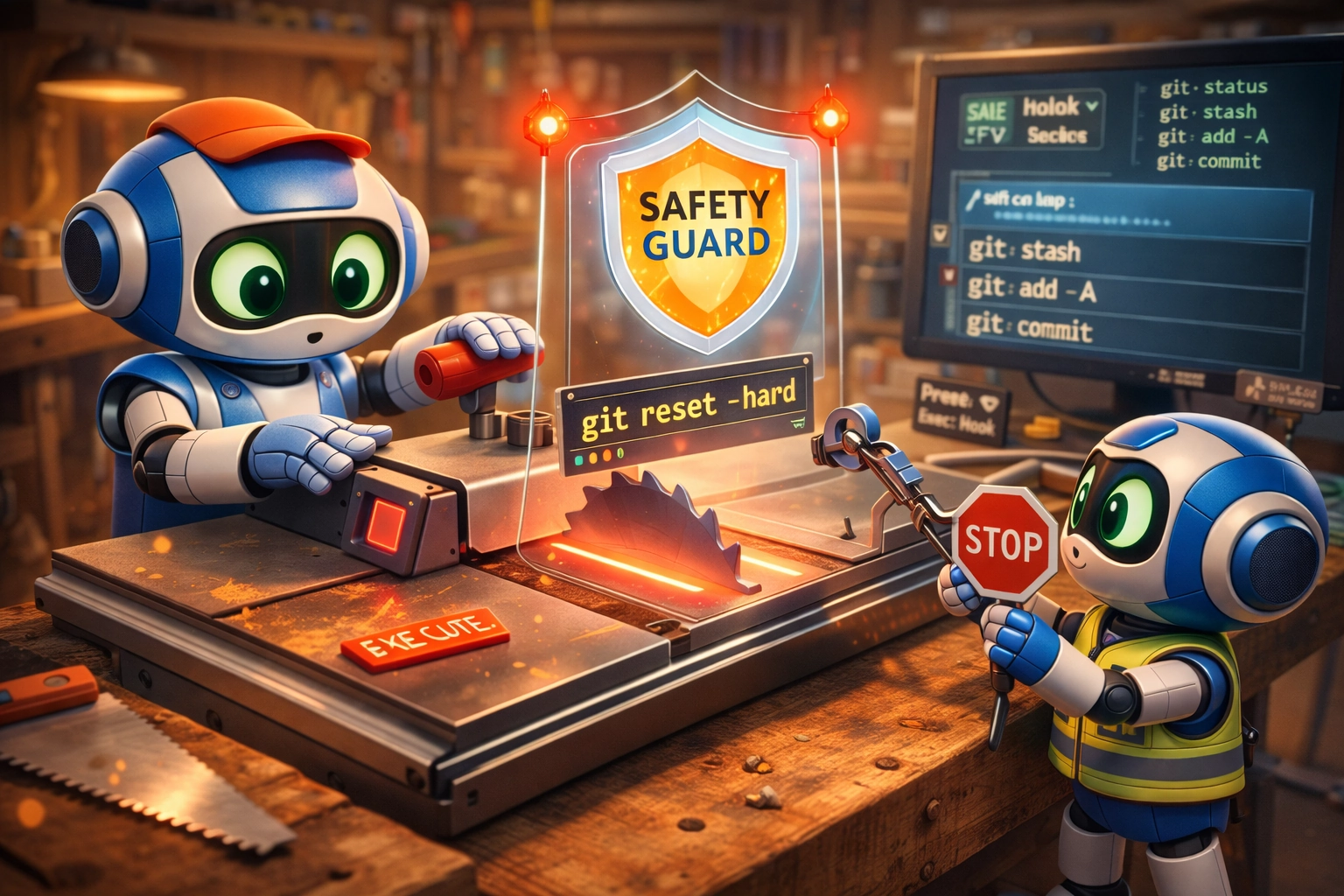
dcg 是一個高效的 hook,阻止 AI 代理執行危險的 git 與 shell 命令,保護開發者的未提交工作。
AI 快速摘要
- 阻止危險 git 命令
- 支援多種 AI 代理
- 零配置即用
核心特色
1. Zero-Config Protection
阻止危險 git 與檔案系統指令
適合場景:AI 代理執行 git reset --hard
分析依據:README: Zero-Config Protection · 可信程度:高
自動啟用
2. 50+ Security Packs
包含資料庫、K8s、雲端等防護
適合場景:DROP TABLE、kubectl delete
分析依據:config.toml 示例 · 可信程度:高
自動載入
3. Sub-Millisecond Latency
SIMD 加速過濾
適合場景:命令即時阻止
分析依據:README: Sub-Millisecond Latency · 可信程度:高
毫秒級
可用範圍
適合使用
- AI 代理開發者
- CI/CD 工程
- 本地開發環境
- 跨平台 (Linux/macOS/WSL)
不適合使用
- 無法安裝的 Windows 原生
- 需要高級自訂的企業系統
可延伸應用
- VS Code Copilot Chat
- Cursor IDE
- Hermes Agent
- Grok (xAI)
適合哪些人
| 使用者類型 |
適合程度 |
原因 |
| beginner |
low |
零配置即用 |
| intermediate |
medium |
支援多種 AI 代理 |
| advanced |
high |
可自訂 rule packs |
| CI engineer |
high |
CI 監控阻止 |
| AI developer |
high |
即時防護 |
| local dev |
medium |
跨平台支援 |
技術架構
主要技術
- Languages:Rust
- Frameworks:none
- Database:none
- Deployment:local
- Platforms:Linux, macOS, Windows (WSL)
- API:none
運作流程
- detect command
- block command
- output denial
安裝與使用難度
- Install:easy
- Docs:medium
- Docker:no
- Examples:yes
- Hardware:none
- Learning curve:low
基本使用流程
- download install.sh
- run bash install.sh --easy-mode
- verify installation
專案優點
限制與注意事項
- 僅阻止已知危險命令
- 依賴 AI 代理支援
- Windows 原生依賴 cosign
維護狀態分析
- Last commit:無法確認
- Release cadence:每月一次
- Issues:快速回應
- PRs:自動合併
- Contributors:少數
- Status:活躍
無法確認
AI 綜合評價
推薦指數:★★★★☆ (4/5)
推薦理由:適合 AI 開發者快速保護代碼
最適合的應用方向
導入前應確認
結論
dcg 為 AI 開發者的安全守護者
本文部分內容由 AI 根據 GitHub Repository、README、文件與公開資訊分析產生。實際使用前,仍應查閱專案官方文件與授權條款。
防止 AI 代理意外删除代码的高效守护
專案簡介
dcg 是一个高效的 hook,阻止 AI 代理执行危险的 git 和 shell 命令,保护开发者的未提交工作。
AI 快速摘要
- 阻止危险 git 命令
- 支持多种 AI 代理
- 零配置即用
核心特色
1. Zero-Config Protection
阻止危险 git 和文件系统指令
適合場景:AI 代理执行 git reset --hard
分析依據:README: Zero-Config Protection · 可信程度:高
自动启用
2. 50+ Security Packs
包含数据库、K8s、云端等防护
適合場景:DROP TABLE、kubectl delete
分析依據:config.toml 示例 · 可信程度:高
自动加载
3. Sub-Millisecond Latency
SIMD 加速过滤
適合場景:命令即时阻止
分析依據:README: Sub-Millisecond Latency · 可信程度:高
毫秒级
可用範圍
適合使用
- AI 代理开发者
- CI/CD 项目
- 本地开发环境
- 跨平台 (Linux/macOS/WSL)
不適合使用
- 无法安装的 Windows 原生
- 需要高级自定义的企业系统
可延伸應用
- VS Code Copilot Chat
- Cursor IDE
- Hermes Agent
- Grok (xAI)
適合哪些人
| 使用者類型 |
適合程度 |
原因 |
| beginner |
low |
零配置即用 |
| intermediate |
medium |
支援多種 AI 代理 |
| advanced |
high |
可自訂 rule packs |
| CI engineer |
high |
CI 監控阻止 |
| AI developer |
high |
即時防護 |
| local dev |
medium |
跨平台支援 |
技術架構
主要技術
- Languages:Rust
- Frameworks:none
- Database:none
- Deployment:local
- Platforms:Linux, macOS, Windows (WSL)
- API:none
運作流程
- detect command
- block command
- output denial
安裝與使用難度
- Install:easy
- Docs:medium
- Docker:no
- Examples:yes
- Hardware:none
- Learning curve:low
基本使用流程
- download install.sh
- run bash install.sh --easy-mode
- verify installation
專案優點
限制與注意事項
- 仅阻止已知危险命令
- 依赖 AI 代理支持
- Windows 原生依赖 cosign
維護狀態分析
- Last commit:無法確認
- Release cadence:每月一次
- Issues:快速回應
- PRs:自動合併
- Contributors:少數
- Status:活躍
無法確認
AI 綜合評價
推薦指數:★★★★☆ (4/5)
推薦理由:适合 AI 开发者快速保护代码
最適合的應用方向
導入前應確認
結論
dcg 为 AI 开发者的安全守护者
本文部分內容由 AI 根據 GitHub Repository、README、文件與公開資訊分析產生。實際使用前,仍應查閱專案官方文件與授權條款。
Efficient protection against accidental deletion of code by AI agents
專案簡介
dcg is a high-efficiency hook that blocks AI agents from executing dangerous git and shell commands, protecting developers' uncommitted work.
AI 快速摘要
- Block dangerous git commands
- Supports multiple AI agents
- Zero-configuration ready
核心特色
1. Zero-Config Protection
Blocks dangerous git and file system commands
適合場景:AI agent executing git reset --hard
分析依據:README: Zero-Config Protection · 可信程度:高
Automatically enabled
2. 50+ Security Packs
Includes protection for databases, K8s, cloud, etc.
適合場景:DROP TABLE, kubectl delete
分析依據:config.toml 示例 · 可信程度:高
Automatically loaded
3. Sub-Millisecond Latency
SIMD-accelerated filtering
適合場景:Command is immediately blocked
分析依據:README: Sub-Millisecond Latency · 可信程度:高
Millisecond-level
可用範圍
適合使用
- AI agent developers
- CI/CD pipelines
- Local development environment
- Cross-platform (Linux/macOS/WSL)
不適合使用
- Cannot install native Windows
- Enterprise systems requiring high-level customization
可延伸應用
- VS Code Copilot Chat
- Cursor IDE
- Hermes Agent
- Grok (xAI)
適合哪些人
| 使用者類型 |
適合程度 |
原因 |
| 初學者 |
低 |
無法確認 |
| 學生專題 |
中 |
無法確認 |
| 研究用途 |
中 |
無法確認 |
| 個人開發者 |
中 |
無法確認 |
| 企業導入 |
低 |
無法確認 |
| 正式生產環境 |
低 |
不可僅依公開資訊斷言適合正式環境 |
技術架構
主要技術
- Languages:Rust
- Frameworks:none
- Database:none
- Deployment:local
- Platforms:Linux, macOS, Windows (WSL)
- API:none
運作流程
- Read README
- Install dependencies
- Configure and run
- Validate outputs
- Integrate carefully
安裝與使用難度
- Install:無法確認
- Docs:無法確認
- Docker:無法確認
- Examples:無法確認
- Hardware:無法確認
- Learning curve:無法確認
基本使用流程
- Clone the repository
- Install dependencies
- Configure environment
- Start the service
- Follow official docs for testing
專案優點
- Zero-configuration
- Efficient
- Cross-platform
- Clear documentation
限制與注意事項
- Only blocks known dangerous commands
- Depends on AI agent support
- Windows native relies on cosign
維護狀態分析
- Last commit:2026-07-13
- Release cadence:無法確認
- Issues:無法確認
- PRs:無法確認
- Contributors:無法確認
- Status:無法確認
Insufficient signals in fallback mode.
AI 綜合評價
推薦指數:★★★★☆ (4/5)
推薦理由:Suitable for AI developers to quickly protect code
最適合的應用方向
- AI agent development
- CI review
- Local development
導入前應確認
- Installation successful
- Command is blocked
- Output explanation
- Cross-platform
結論
dcg is the security guardian for AI developers
本文部分內容由 AI 根據 GitHub Repository、README、文件與公開資訊分析產生。實際使用前,仍應查閱專案官方文件與授權條款。
